
很多用 Mac 的朋友卸载软件,经常就只是把应用图标拖到废纸篓里。这么做其实不干净,核心问题其实是在/Users/zouke/Library/Application Support这个目录,像什么缓存、设置文件、日志这些残留的垃圾,尤其是 Xcode、Homebrew、Docker 这类开发者工具留下的,动不动就好几个G,长期占着硬盘空间。市面上的清理软件效果好的我感觉就两个1[App Cleaner Pro 9.1.1 Mac中文Mac激活版]2就是腾讯的柠檬清理--https://lemon.qq.com/,柠檬清理的效果没有AppCleanr专业,但是AppCleanr是收费软件。至于cleanmymac,我感觉效果不咋地。
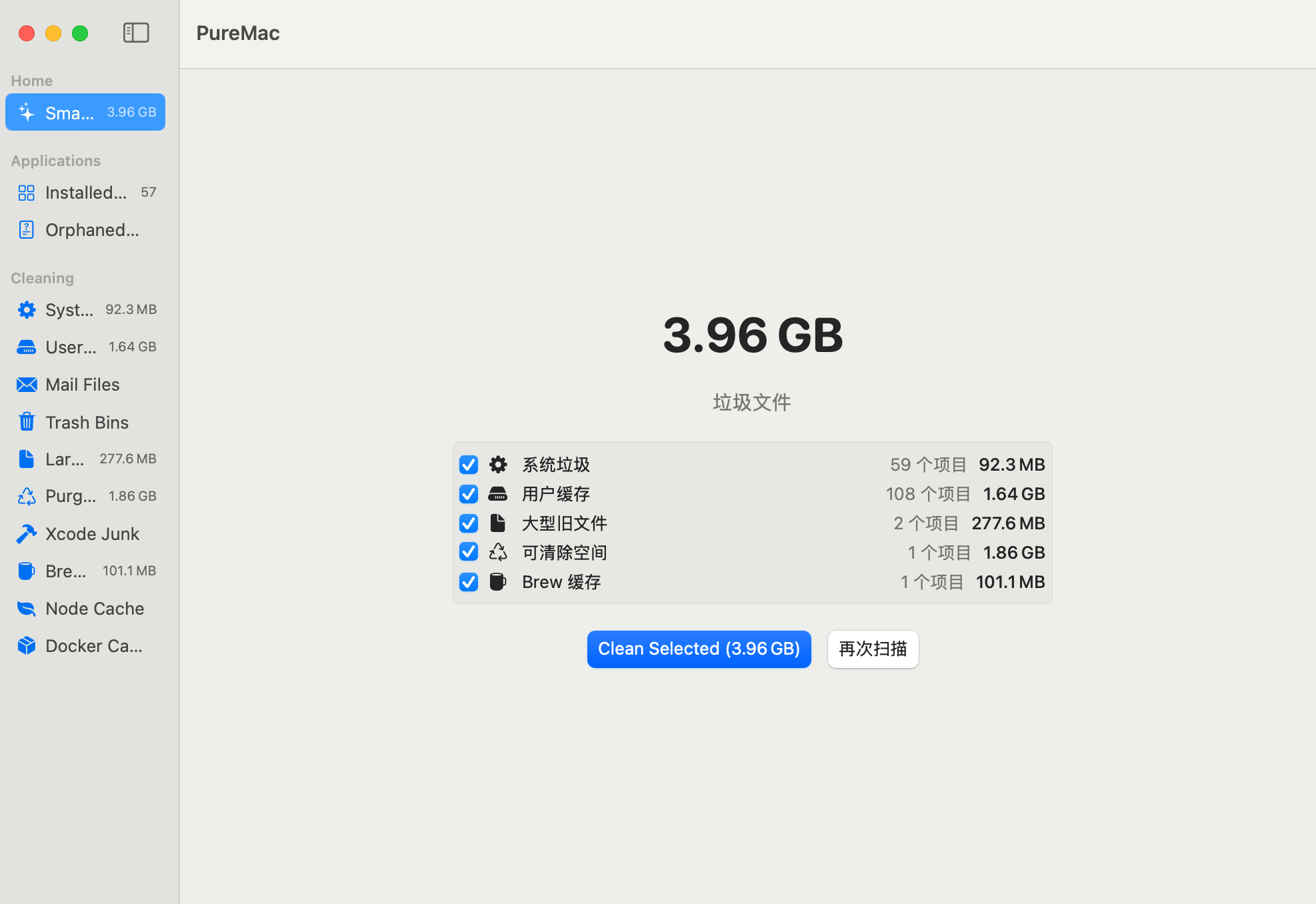
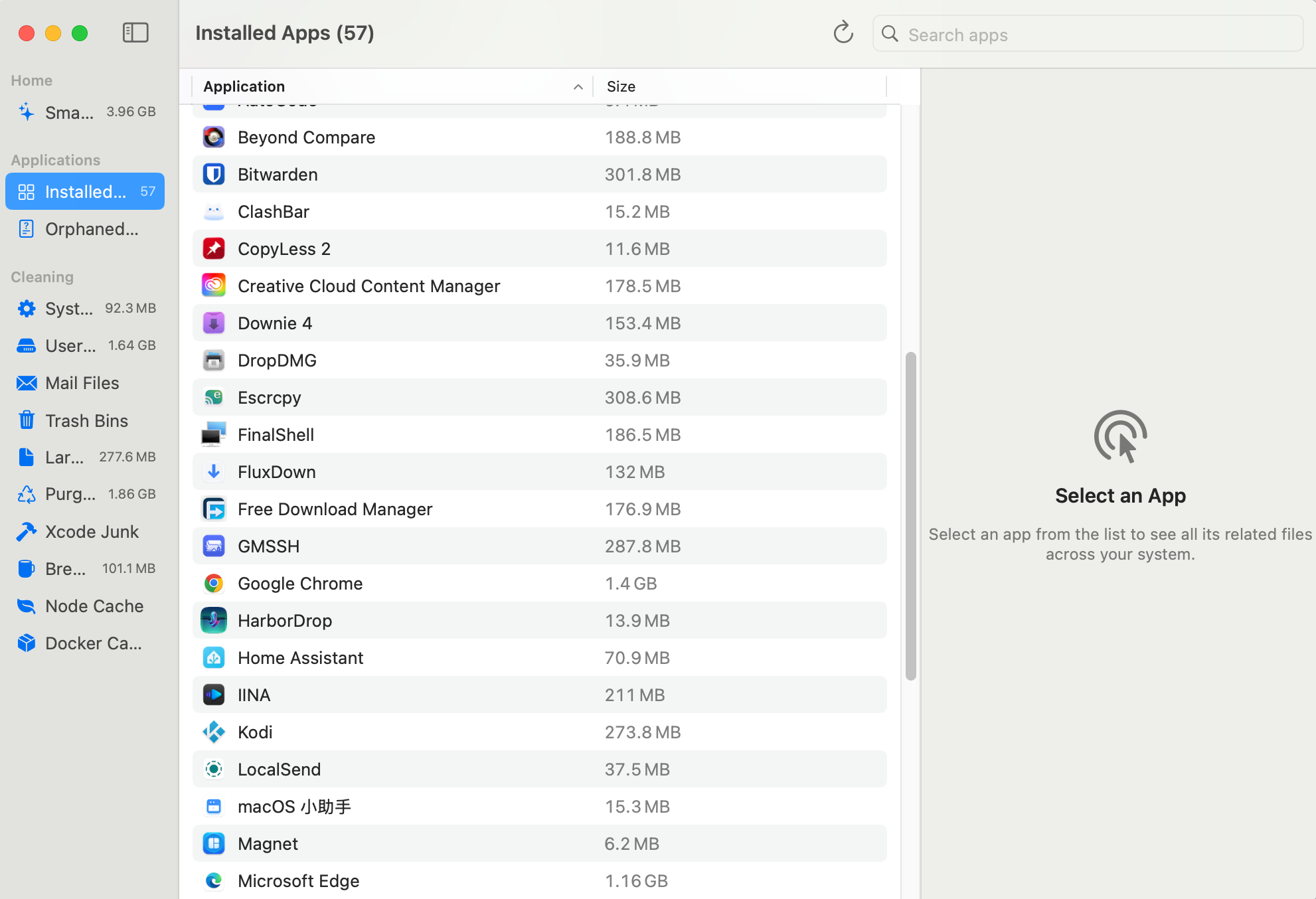
今天介绍一款新的软件,名字叫PureMac,一款在GitHub上开源的软件。
https://github.com/momenbasel/PureMac
支持多语言:English | Español | 日本語 | 简体中文(好像中文不是很全) | 繁體中文
1、【推荐】如果电脑已安装homebrew,使用该方式
brew update
brew install --cask puremac
2、【推荐】常规方式安装
打开该网址获取最新安装包https://github.com/momenbasel/PureMac/releases,如果打不开可以从本文下方下载备用安装包
3、从源码构建
brew install xcodegen
git clone https://github.com/momenbasel/PureMac.git
cd PureMac
xcodegen generate
xcodebuild -project PureMac.xcodeproj -scheme PureMac -configuration Release -derivedDataPath build build
open build/Build/Products/Release/PureMac.app


评分及评论
暂无评分
来评个分数吧